

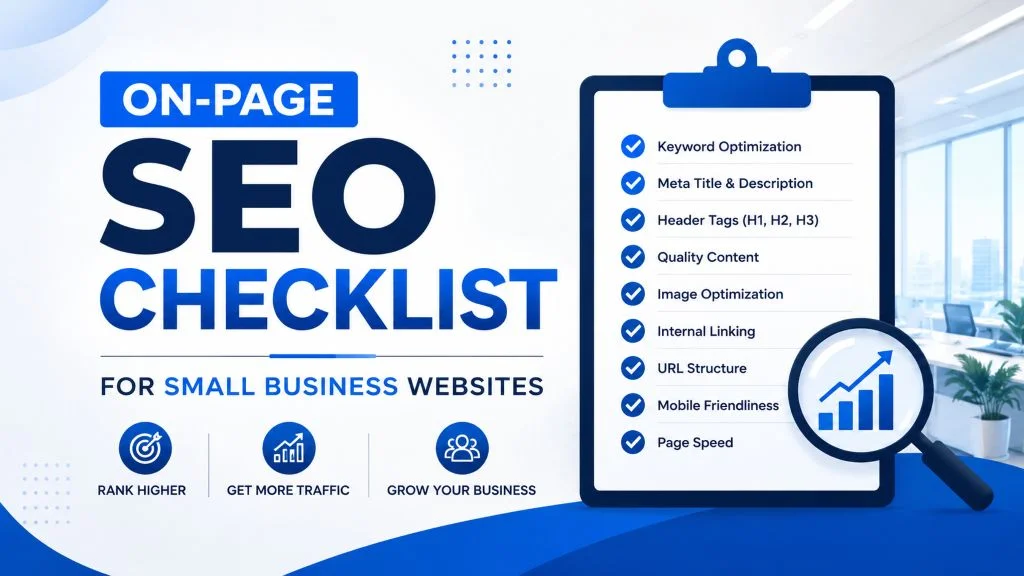
The Complete On-Page SEO Checklist for Business Websites
Introduction
A business website is only effective if potential customers can find it online. While backlinks and digital marketing play an important role in search engine optimization (SEO), on-page SEO is the foundation of every successful website. It focuses on optimizing the elements within your website that help search engines understand your content and provide visitors with a better browsing experience.
From keyword optimization and page speed to internal linking and mobile responsiveness, every detail contributes to your website’s ability to rank higher in search engine results. Without proper on-page SEO, even high-quality content may struggle to attract organic traffic.
This complete on-page SEO checklist covers the essential optimization tasks every business website should follow to improve search visibility, increase organic traffic, and generate more leads.
What Is On-Page SEO?
On-page SEO is the process of optimizing individual web pages to improve their rankings in search engines and provide a better experience for users.
Unlike off-page SEO, which focuses on backlinks and external signals, on-page SEO includes everything you can control directly on your website, such as:
- Content quality
- Keywords
- Page titles
- Meta descriptions
- Heading structure
- URLs
- Internal links
- Images
- Mobile responsiveness
- Page speed
- User experience
These elements help search engines understand your content and determine how relevant it is to users’ search queries.
Why On-Page SEO Matters
A properly optimized website can help your business:
- Improve Google rankings
- Increase organic traffic
- Generate qualified leads
- Enhance user experience
- Increase conversion rates
- Build trust and credibility
- Improve website performance
- Stay competitive in search results
On-page SEO provides long-term value by making your website more useful for both search engines and visitors.
The Complete On-Page SEO Checklist
1. Perform Keyword Research
Every page should target a specific keyword or search phrase.
Research keywords based on:
- Search volume
- Relevance
- Competition
- User intent
Also identify:
- Secondary keywords
- Long-tail keywords
- Related search terms
Choose keywords that match the content and goals of each page.
2. Create High-Quality Content
Google rewards content that is informative, original, and valuable.
Your content should:
- Answer user questions
- Solve problems
- Be easy to understand
- Provide accurate information
- Cover the topic thoroughly
Avoid duplicate or thin content that offers little value.
3. Optimize the Page Title
The title tag is one of the strongest on-page SEO signals.
A well-optimized title should:
- Include the primary keyword
- Clearly describe the page
- Encourage clicks
- Stay within approximately 50–60 characters when possible
Each page should have a unique title.
4. Write Effective Meta Descriptions
Meta descriptions summarize your page in search results.
An effective description should:
- Explain the page clearly
- Include relevant keywords naturally
- Encourage users to click
- Remain concise
Each page should have its own unique meta description.
5. Use Proper Heading Structure
Organize your content with clear headings.
Recommended structure:
- One H1 heading
- Multiple H2 headings
- H3 headings for supporting topics
Headings improve readability and help search engines understand your content.
6. Optimize Your URLs
SEO-friendly URLs should be:
- Short
- Descriptive
- Easy to read
- Keyword-focused
Example:
Good URL
yourwebsite.com/local-seo-services
Instead of:
yourwebsite.com/page?id=1847
Clean URLs improve both usability and search visibility.
7. Use Keywords Naturally
Place keywords naturally throughout your page.
Include them in:
- Page title
- Introduction
- Headings
- Body content
- URL
- Meta description
- Image alt text where appropriate
Avoid keyword stuffing, as it can harm rankings and reduce readability.
8. Add Internal Links
Internal links connect related pages on your website.
Benefits include:
- Improved navigation
- Better crawling
- Increased page authority distribution
- Longer visitor sessions
Link naturally to related articles, service pages, or resources.
9. Include External Links to Trusted Sources
When relevant, link to reputable websites that support your content.
External links can:
- Improve credibility
- Provide additional information
- Enhance user experience
Use trusted and authoritative sources whenever possible.
10. Optimize Images
Images should support both user experience and SEO.
Best practices include:
- Compress image sizes
- Use descriptive filenames
- Add meaningful alt text
- Choose appropriate file formats
- Resize images correctly
Optimized images improve loading speed and accessibility.
11. Improve Page Speed
Fast-loading websites create better user experiences and support higher rankings.
Improve speed by:
- Compressing images
- Using browser caching
- Minimizing CSS and JavaScript
- Removing unnecessary plugins
- Optimizing your database
- Using reliable web hosting
Page speed is an important ranking factor and directly affects visitor satisfaction.
12. Ensure Mobile Responsiveness
Most internet users browse on mobile devices.
Your website should:
- Adapt to all screen sizes
- Display readable text
- Use touch-friendly buttons
- Load quickly on mobile networks
- Maintain easy navigation
Mobile-friendly websites perform better in search results.
13. Optimize for User Experience (UX)
Search engines reward websites that provide positive user experiences.
Improve UX by:
- Simplifying navigation
- Using consistent layouts
- Improving readability
- Reducing clutter
- Highlighting important information
- Adding clear calls-to-action
Visitors who enjoy using your website are more likely to stay longer and convert.
14. Add Image Alt Text
Alt text describes images for search engines and screen readers.
Good alt text:
- Clearly describes the image
- Improves accessibility
- Includes keywords naturally when appropriate
Every important image should have descriptive alt text.
15. Use Schema Markup
Schema markup provides structured data that helps search engines better understand your content.
Depending on your website, schema may include:
- Local Business
- Organization
- Service
- Product
- FAQ
- Review
- Article
- Breadcrumb
Structured data can improve how your pages appear in search results.
16. Check for Broken Links
Broken links create poor user experiences and reduce website quality.
Regularly review:
- Internal links
- External links
- Navigation menus
- Download links
Repair or replace broken links promptly.
17. Keep Content Updated
Search engines favor websites with fresh, relevant content.
Regularly:
- Update statistics
- Refresh service information
- Improve examples
- Add new insights
- Remove outdated information
Content updates help maintain rankings over time.
18. Create Clear Calls-to-Action (CTAs)
Every page should guide visitors toward the next step.
Examples include:
- Contact Us
- Request a Free Quote
- Schedule a Consultation
- Learn More
- Get Started Today
Well-placed CTAs improve conversions and user engagement.
19. Monitor SEO Performance
SEO requires continuous improvement.
Track metrics such as:
- Organic traffic
- Keyword rankings
- Bounce rate
- Time on page
- Conversion rate
- Click-through rate
Use this information to refine your SEO strategy.
20. Review Pages Regularly
SEO is not a one-time task.
Schedule regular audits to:
- Identify technical issues
- Improve page speed
- Refresh content
- Update keywords
- Check mobile usability
- Monitor search performance
Routine reviews help maintain long-term SEO success.
Common On-Page SEO Mistakes to Avoid
Even well-built websites can lose rankings due to avoidable mistakes.
Watch out for:
- Keyword stuffing
- Duplicate content
- Missing title tags
- Weak meta descriptions
- Poor heading structure
- Slow page speed
- Large image files
- Broken internal links
- Missing alt text
- Outdated content
- Poor mobile experience
- Weak calls-to-action
Avoiding these issues helps improve both rankings and user satisfaction.
Benefits of Following an On-Page SEO Checklist
A complete on-page SEO strategy offers numerous long-term benefits, including:
- Higher search engine rankings
- Increased organic traffic
- Better user experience
- Improved website performance
- Greater online visibility
- More qualified leads
- Higher conversion rates
- Stronger brand credibility
- Better return on marketing efforts
Consistent optimization helps your website remain competitive in search results.
Best Practices for Long-Term SEO Success
To maintain strong search visibility:
- Publish valuable, original content.
- Focus on user intent.
- Keep pages updated regularly.
- Optimize images and media.
- Improve page speed.
- Strengthen internal linking.
- Ensure mobile responsiveness.
- Monitor website performance.
- Conduct regular SEO audits.
- Adapt to changes in search engine algorithms.
SEO is an ongoing process that rewards consistent effort and continuous improvement.
Conclusion
On-page SEO is the foundation of every successful business website. By optimizing your content, page titles, headings, keywords, images, URLs, and technical elements, you improve both search engine visibility and user experience.
Following this complete on-page SEO checklist helps ensure your website is fully optimized to attract organic traffic, generate qualified leads, and support long-term business growth. While SEO requires ongoing attention, the results are well worth the effort. Businesses that consistently optimize their websites are better positioned to rank higher, reach more customers, and build a strong, lasting online presence.
